TinyPM v4
Simplified package management for Abora OS. Install apps with simple commands.
What is TinyPM?
TinyPM is Abora's package management layer. On NixOS-based systems, it prefers Nix. It can also work with Flatpak, Snap, and other package managers where supported.
TinyPM v4 focuses on simplicity: easy app installs, checking package sources, and repairing broken sources.
Basic Commands
grab <package>
Install a package. Example: grab firefox
tinypm sources
Check available package sources and their status
tinypm system
Show system package information
tinypm repair
Repair broken package sources
Installing Packages
For system-wide packages, use the NixOS configuration method (recommended):
Then run anix switch
For quick one-off installs, you can use grab:
Finding Apps
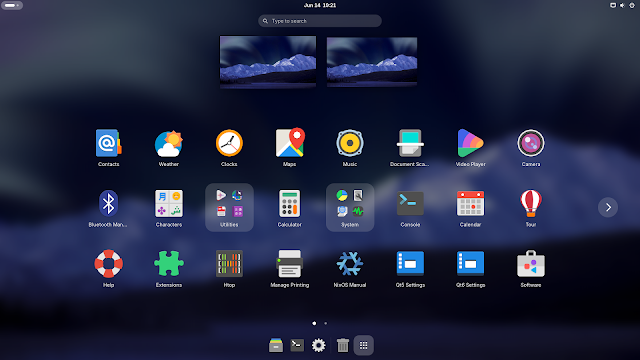
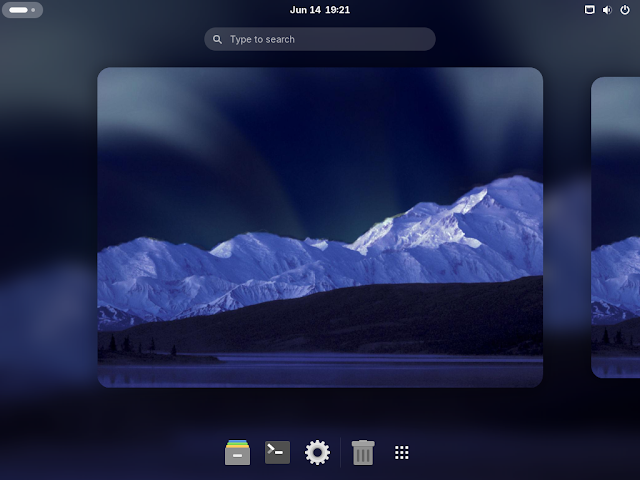
Browse installed applications through the Abora app launchers. Access them by pressing the Super key or clicking Activities:
Flatpak Integration
Flatpak is enabled on every Abora install. Flathub is added automatically on first boot.
• No extra setup needed
• Install Flatpak apps directly from your app store or command line
• TinyPM can bridge Nix and Flatpak installs
Common Tasks
Check package sources
tinypm sources
Repair broken sources
tinypm repair
Check system status
tinypm anix status
For more details on system-wide package management, see the System Configuration guide.