Abora OS v4 Everest — full release changelog
2026-08-29 · AnimatedGTVR
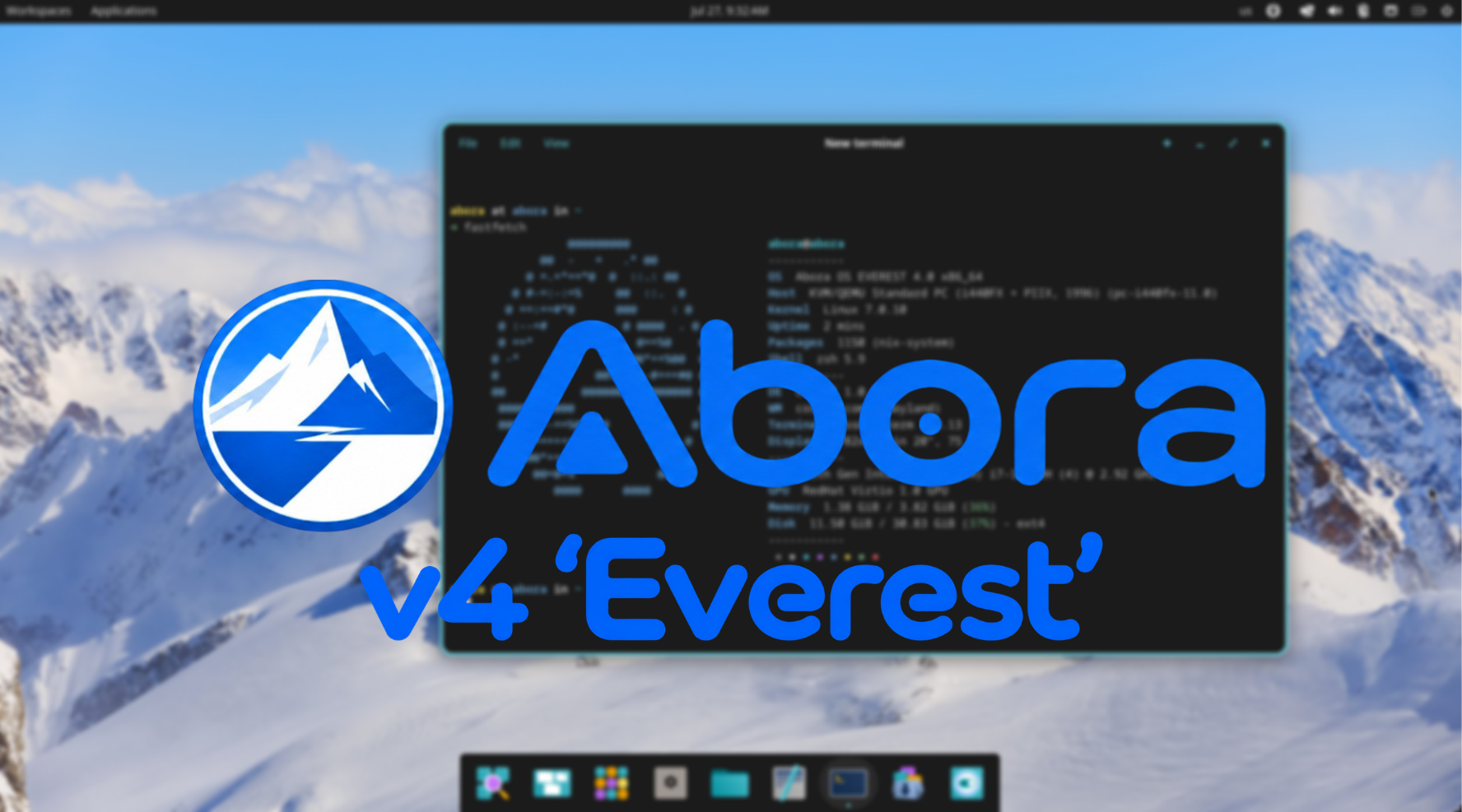
Abora OS v4 Everest is the alpha track. It is a multi-edition preview with five ready-made ISOs, ANIX v2, real GPU driver selection, an optional Abora Gaming layer, and a major audit-driven development pass.
The release artifacts, checksums, and download guidance are now available from the Download page.
Everest builds on the DENALI 3.14 foundation. Since the last tagged Everest alpha, another 83 commits have landed across new features, hardware support, installer work, tooling, and bug fixes.
Highlights

Everest introduces non-destructive installation, adoption for existing NixOS systems, ANIX v2 with pluggable languages, GPU driver selection for NVIDIA, AMD, and Intel, optional Abora Gaming, Abora Gaming Welcome, TinyPM rewritten in Rust, Linux kernel 7.2, MediaTek MT7902 Wi-Fi 6E and Bluetooth support, C# implementations of ANIX and the updater resolver, expanded MINT support, and a large audit across scripts, Nix modules, installer flows, and release tooling.
All 23 desktop profiles remain available, and the seven optional App Catalog bundles are Fan Favorites, Essentials, Social, Creator, Developer, Gaming, and System Tools.
Highlights
Everest ships as five editions: Cosmic, Hyprland, GNOME, KDE Plasma, and Other. The edition controls the live ISO experience, while all 23 supported desktop profiles remain available during installation.
The release adds non-destructive installation onto an existing partition, Abora adoption for existing NixOS systems, ANIX v2 with pluggable configuration languages, GPU driver selection for NVIDIA, AMD, and Intel, optional Abora Gaming, a dedicated Abora Gaming Welcome GTK app, TinyPM rewritten in Rust, Linux kernel 7.2, MediaTek MT7902 Wi-Fi 6E and Bluetooth support, and expanded MINT installer support.
The App Catalog continues to provide optional Fan Favorites, Essentials, Social, Creator, Developer, Gaming, and System Tools bundles.
What's new
Non-destructive installation
The installer now offers Use an existing partition, allowing Abora to be installed onto a chosen partition without wiping the entire disk. Testing also fixed EFI System Partition targeting and Legacy BIOS boot failures.
Adopt Abora on existing NixOS
Existing NixOS users can now adopt Abora without reinstalling. The interactive wizard and one-command downloader install ANIX, `abora`, Abora configuration tooling, and system integrations.
GPU driver support
Everest adds the `abora.gpu` option with support for `nouveau`, `nvidia`, `nvidia-open`, `amdgpu`, `intel`, and `none`. The installer detects the GPU vendor and offers appropriate choices. You can change the setting later with `abora config set gpu nvidia` followed by `abora config apply`.
ANIX v2
ANIX v2 introduces pluggable configuration languages: ANIX Native (`.anix`), MKO (`.mko`), and ModuCPP (`.moducpp`). Each adapter resolves into the same Plan JSON format. New workflows include `anix language list`, `anix language use`, `anix validate-plan`, `anix apply-plan`, and `anix diff-plan`, which labels settings as ADD, CHANGE, or SAME.
Abora Gaming
Abora Gaming is optional and independent of desktop choice. It can provide Steam with 32-bit graphics support, GameMode, MangoHud, controller support, Vulkan diagnostics, common launchers, Steam Big Picture, and an optional Gamescope Big Picture session.
Enable it with `abora gaming enable`, launch the welcome app with `abora gaming welcome`, or use Abora Config and ANIX with `abora config set gaming true` and `anix enable gaming`.
TinyPM and hardware support
TinyPM v0.8 has been rewritten from Bash into a Rust crate. Linux kernel 7.2 also brings upstream support for the MediaTek MT7902 Wi-Fi 6E and Bluetooth chipset through the in-tree `mt7921e` driver.
Installer improvements
The GTK installer now includes Esc navigation, full IANA timezone data, fuzzy timezone search, improved disk filtering, consistent desktop ordering between GUI and TUI, and GPU selection alongside identity, desktop, and disk configuration. Everest also continues to include Limine, Plymouth, Abora wallpapers, dark-first defaults, Papirus Dark, Fastfetch, zsh with the Spaceship prompt, and Flathub setup after first boot.
Changes and fixes
`abora update` now performs the documented update instead of exiting after printing usage, and `abora rollback` is now wired to its rollback logic. Release synchronization now covers the files checked by the release gate.
Ventoy live USB booting now includes the tools required by its udev hook. `thermald` is opt-in instead of risking failed rebuilds on unsupported hardware. VirtualBox Guest Additions are opt-in rather than force-built into the live ISO.
Installer fixes include removing `/dev/zram0` from install targets, correcting hotplug-disk filtering, restoring Pantheon to the GUI desktop list, aligning GUI and TUI desktop ordering, and preventing zram from counting as real storage. The installed-system launcher is now called Start Abora.
ANIX fixes cover missing `--language` values, README examples, native plan values containing spaces, CRLF endings, gaming warnings, and control-character validation. MINT now includes root account setup, ANIX, gaming, dotfiles, and starter bundles, with automated build, vet, and test coverage.
Diagnostics and support fixes address timestamp redaction, temporary-file cleanup, custom-package staging, and `abora bug-report --github`. A dedicated audit found and fixed bugs across scripts, Nix modules, live installation, release checks, and build tooling.
Validation for Everest includes `make check`, `make check-desktops`, `make preflight`, `make iso-all`, QEMU installation tests, installed-disk boot testing, ANIX v1 and v2 runtime tests, GPU evaluation, Abora Gaming configuration tests, TinyPM smoke tests, release manifest generation, and checksum generation.
Known issues
The `xone-dongle-firmware` rebuild failure has been reported but has not yet been reproduced. Guest Additions are opt-in for live ISO testing. Everest ISOs are larger because of broader firmware and hardware support, and Flatpak, Steam, gaming launchers, and some unfree packages require network access or normal NixOS configuration.
For networking problems, run `abora network`. For a support report, run `abora support-report`. For installer logs, run `abora logs --lines 200`. If installation fails before reboot, preserve `/tmp/abora-install.log` and `/tmp/abora-config.log` before powering off.
Download
Everest is available in five editions: Cosmic, Hyprland, GNOME, KDE Plasma, and Other. Additional release assets include TinyPM v0.8, standalone ANIX packages, SHA256 checksums, and the release manifest.
Existing Abora installations can update with `sudo abora update`. For the cleanest experience when upgrading from DENALI or older pre-release builds, a fresh installation is recommended.
Five editions. 23 desktop profiles. ANIX v2. Abora Gaming. New hardware support. A safer installer. A repaired update path. 83 commits since the last Everest Alpha.
Welcome to Everest.
Reader reactions
React to this post
Pick one reaction. Choosing another swaps your vote.